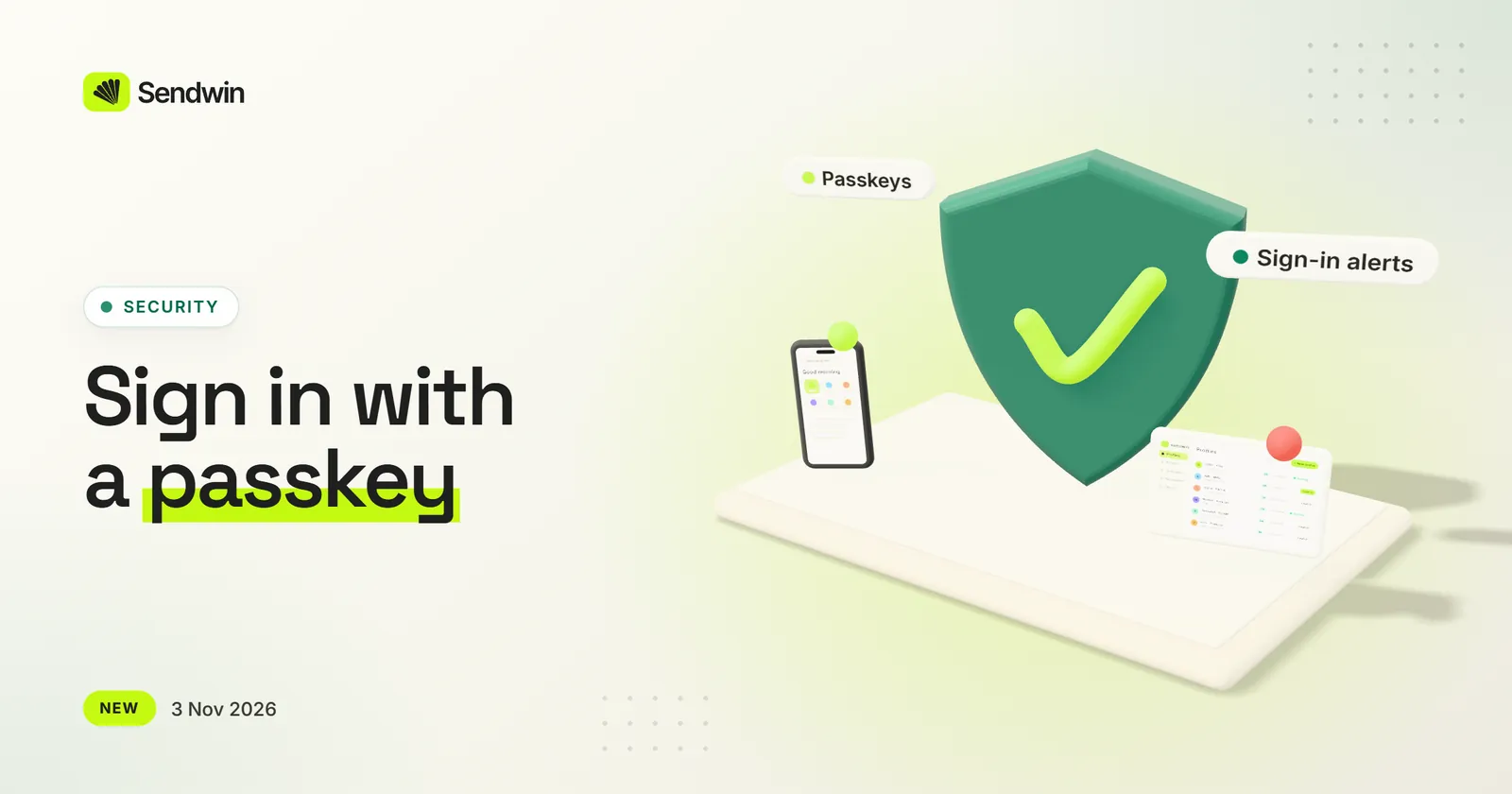
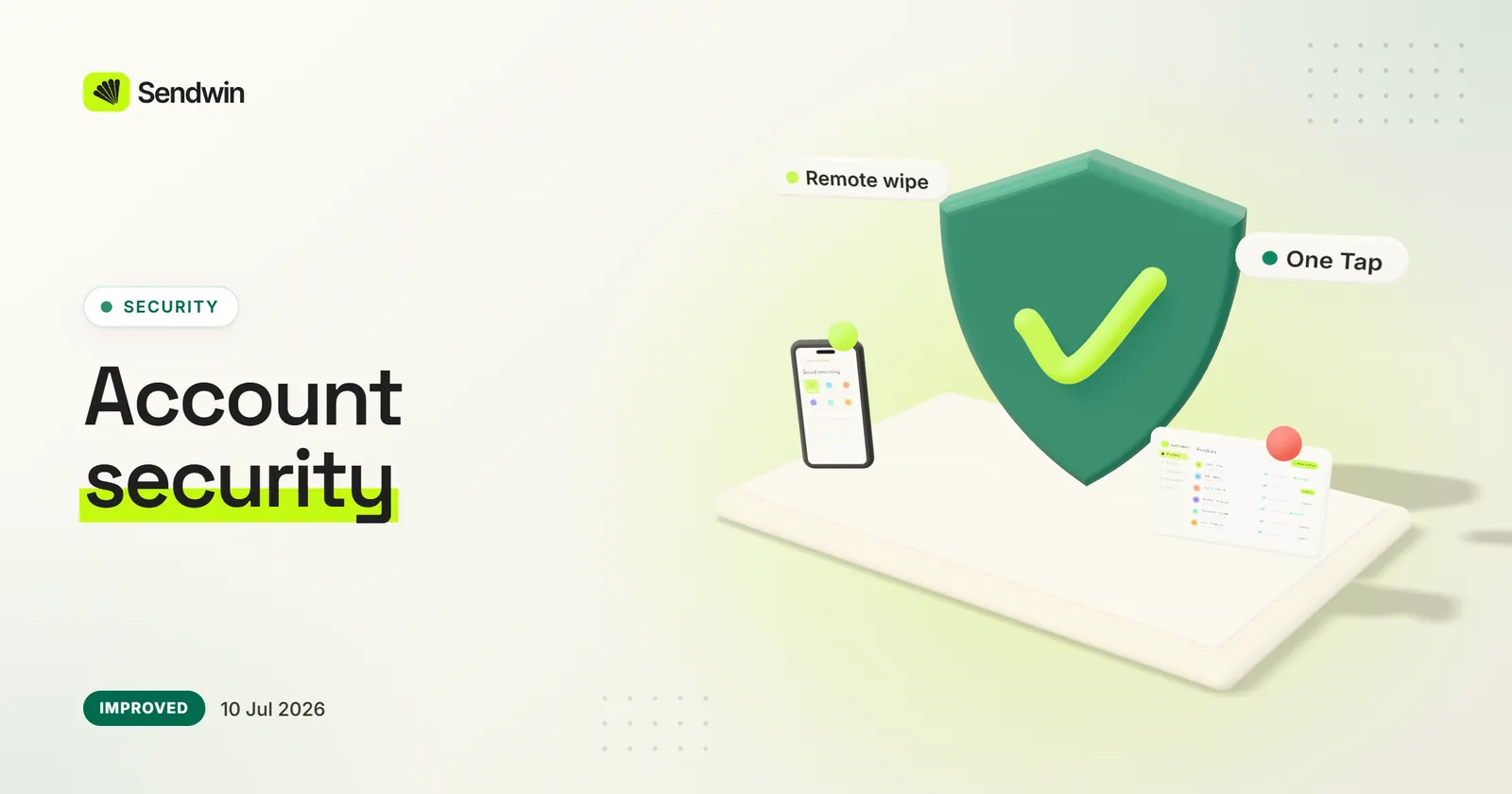
Sign in to your dashboard with your fingerprint, face, screen lock or a security key instead of a password. And when your account is signed in from a browser or desktop app it hasn’t used before, we e-mail you, with a button that secures your account if it wasn’t you.
Add a passkey under Two-Factor Authentication in your dashboard, then choose “Sign in with a passkey” on the sign-in page: no password needed
Your first passkey also turns on two-factor authentication: a sign-in with your password then asks for the passkey too, or one of your recovery codes
Adding or removing a passkey asks for your password, and we e-mail you each time
New sign-in alerts: when your account is signed in from a browser or desktop app it hasn’t used before, we e-mail you within minutes
Browsers and apps you already use are remembered, and a new IP address or VPN on its own never sends an alert
“This wasn’t me” in that e-mail signs your account out of every browser and desktop app, turns off its password and e-mails you a link to set a new one
It also undoes what was added since the sign-in we didn’t recognise, up to 7 days back: shares of your sessions and profiles, team invitations, teams joined and two-factor methods. A cloud-browser session that is already open can keep running for up to 24 hours
If the app is closed at a bad moment, your settings come back instead of resetting. Updates wait for a profile that is still opening, and the sign-in window stays on the Sendwin and Google sign-in pages.
If the settings file cannot be read (for example after the app was killed while saving), the app restores the last good copy instead of starting from defaults, and keeps the damaged file aside
While your system keychain is unavailable, nothing is saved unencrypted, and a restored copy never signs you back in after you signed out
Restart to update asks you to wait while a profile is still opening, and no profile can start until the update is installed, so no browser is left running
On a Mac, a slow update is no longer cut off while macOS prepares it
The sign-in window and its pop-ups only open the Sendwin and Google sign-in pages
Removed an unused library, which clears 11 security advisories in its dependencies
Saving a profile, even just renaming it, no longer resets its fingerprint settings. The profile list and editor are quicker to work with, and on Linux the .deb now runs on Ubuntu 24.04 and newer and updates itself.
Editing a profile keeps the fingerprint settings you chose: before, any save could replace them with a new fingerprint
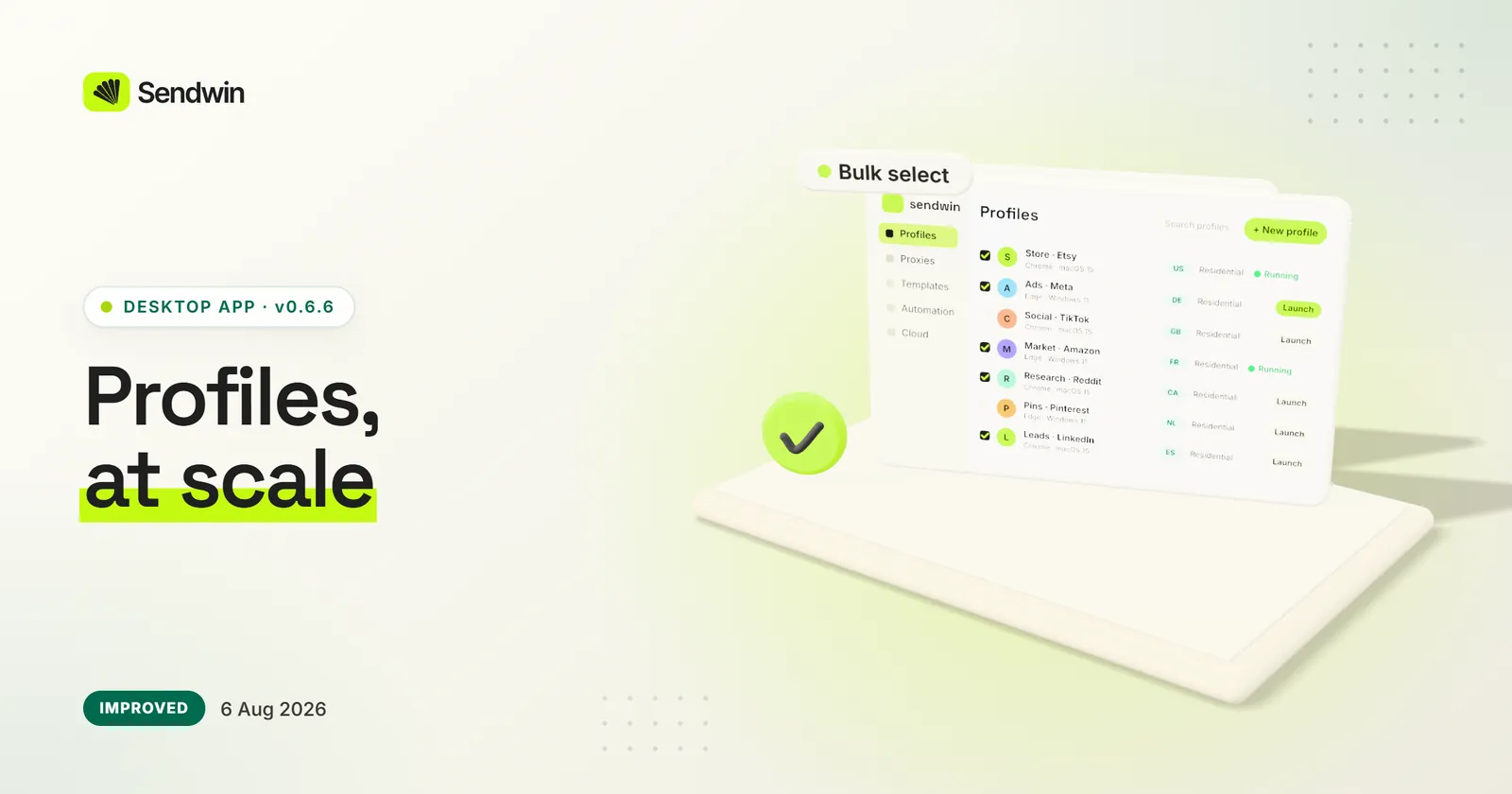
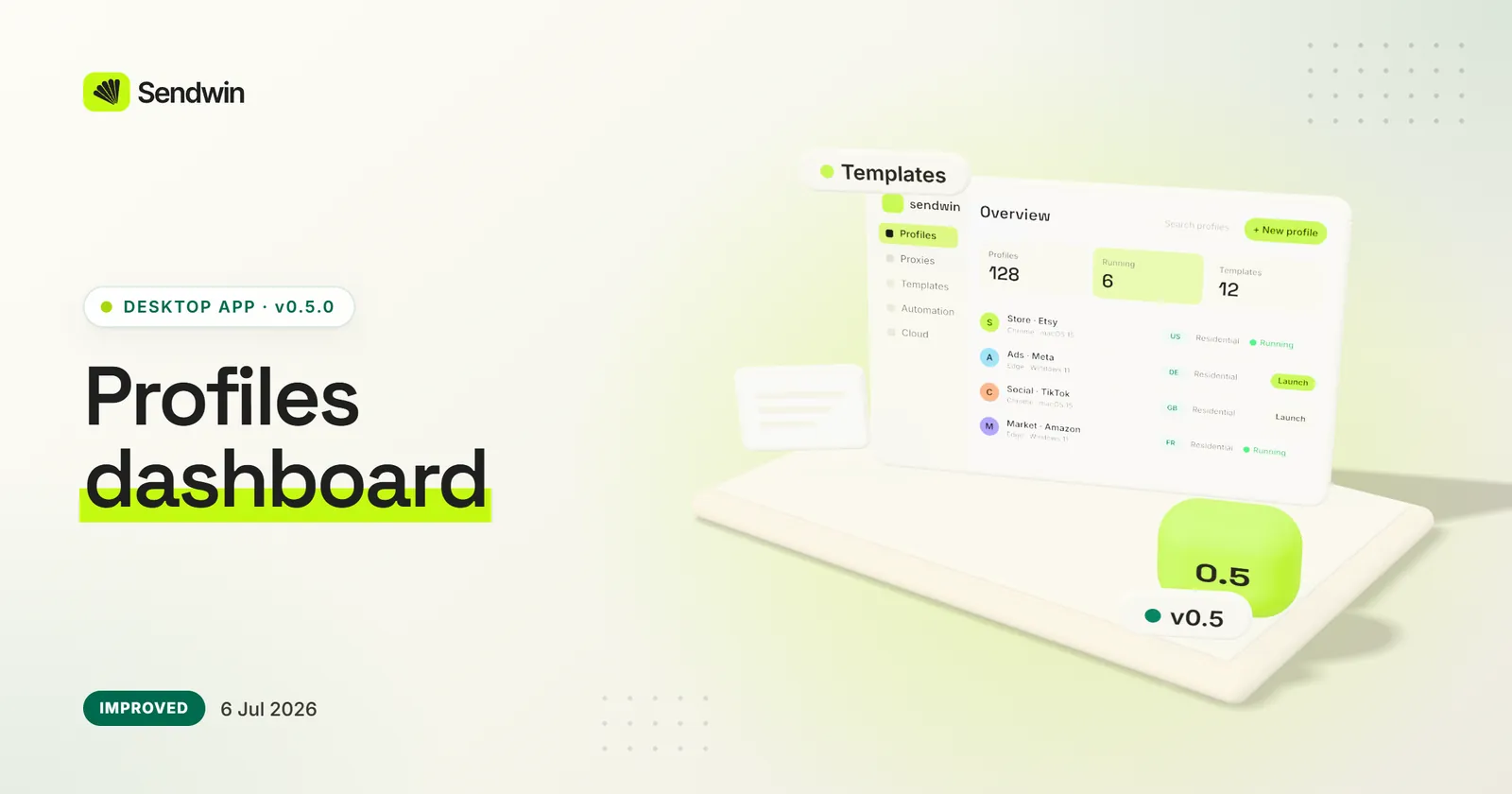
Profiles: sort the list by its columns, move or tag several profiles at once, run cloud profiles in one click, and see when each profile last synced
The profile editor keeps Save in view, can test your own proxy and shows which Sendwin proxy a profile uses
Settings shows the app version and a Check for updates button, and moving the profiles folder takes your profiles with it
Linux: the .deb runs on Ubuntu 24.04 and newer, updates itself after asking for your password, and has no second title bar
Restart to update now closes the app and installs the update on every system (on Linux the old app stayed open)
Versions before 0.7.17 could fail to finish an update (on a Mac they could not finish at all): if yours did, download 0.7.17 once from send.win/download, and later updates install from the app
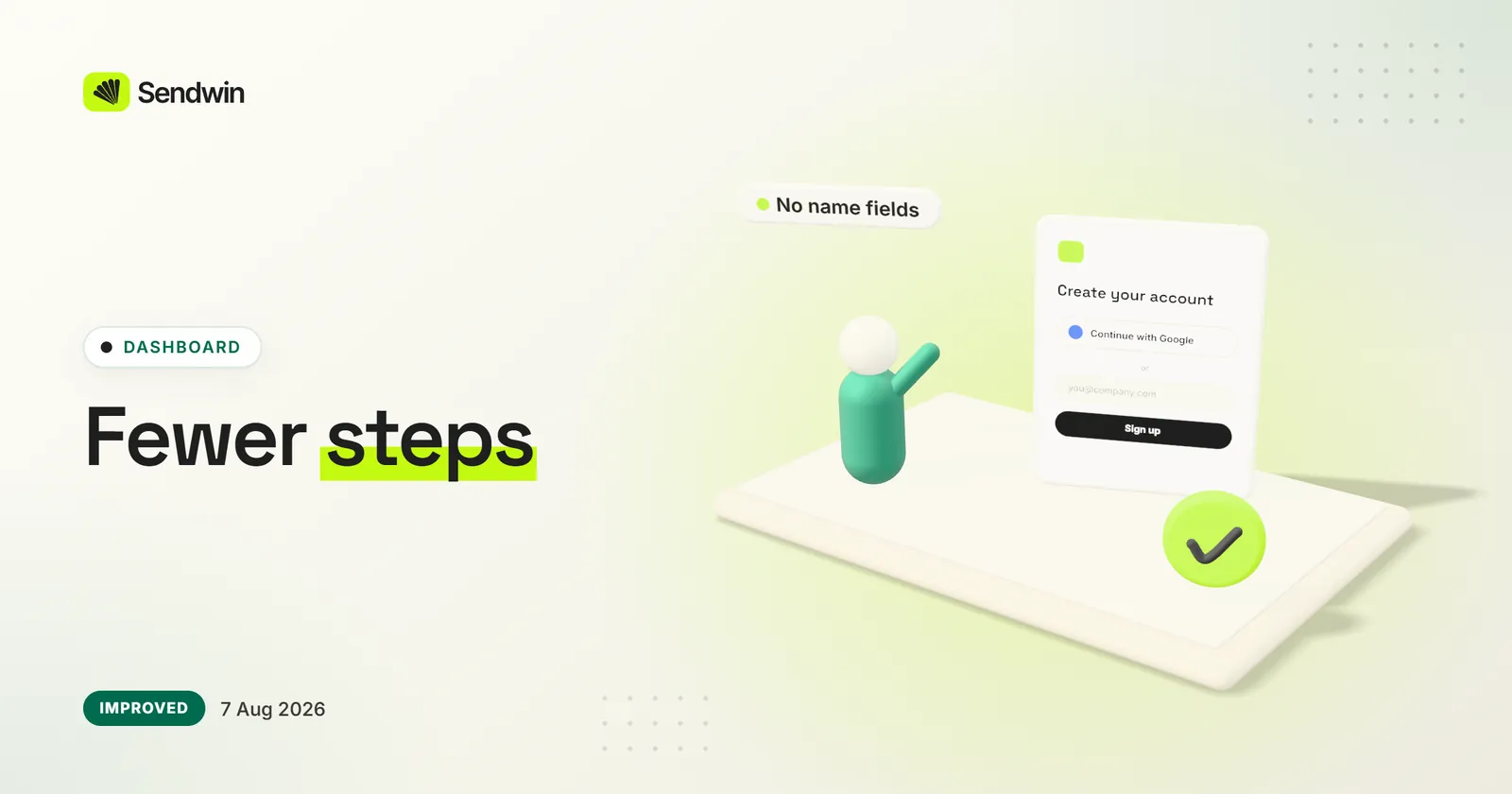
Creating an account happens in the app window, and Team and Templates open your dashboard already signed in
The sign-in and checkout windows refuse camera, microphone, location and clipboard reading, and only open secure pages
Tools that no plan includes are hidden instead of showing a padlock
Profiles that use Sendwin's residential proxies keep working for as long as they are open, and the app keeps your count of open profiles accurate. Installed apps update themselves on Windows and macOS, and 0.7.15 is also out for Linux as an AppImage and a .deb.
Sendwin proxies no longer stop working 30 minutes after a profile opens: the app renews the proxy token while the profile runs
Open profiles count toward the 50-at-once limit while they run, and free their slot when you close them
The Automation, Synchronizer, warm-up and macro tools are no longer part of Sendwin plans and show as unavailable
Sendwin is now sold as what it is for: isolated browser profiles for agencies, sellers and teams. Paid plans start at $19 a month, and your first card purchase is covered by a 7-day money-back guarantee.
No more free trial: Pro ($19/mo) and Team ($49/mo) start right away, and the free cloud demo (10 minutes a day) stays
Your first card purchase is covered by a 7-day money-back guarantee
A new Acceptable Use Policy: Sendwin is for accounts you own or are authorised to manage, and new accounts agree to it at signup
The local Automation API is retired on every plan
Up to 50 profiles open at once is now a stated limit on every plan
The site, help center and portal describe each profile's fingerprint protection as the privacy feature it is
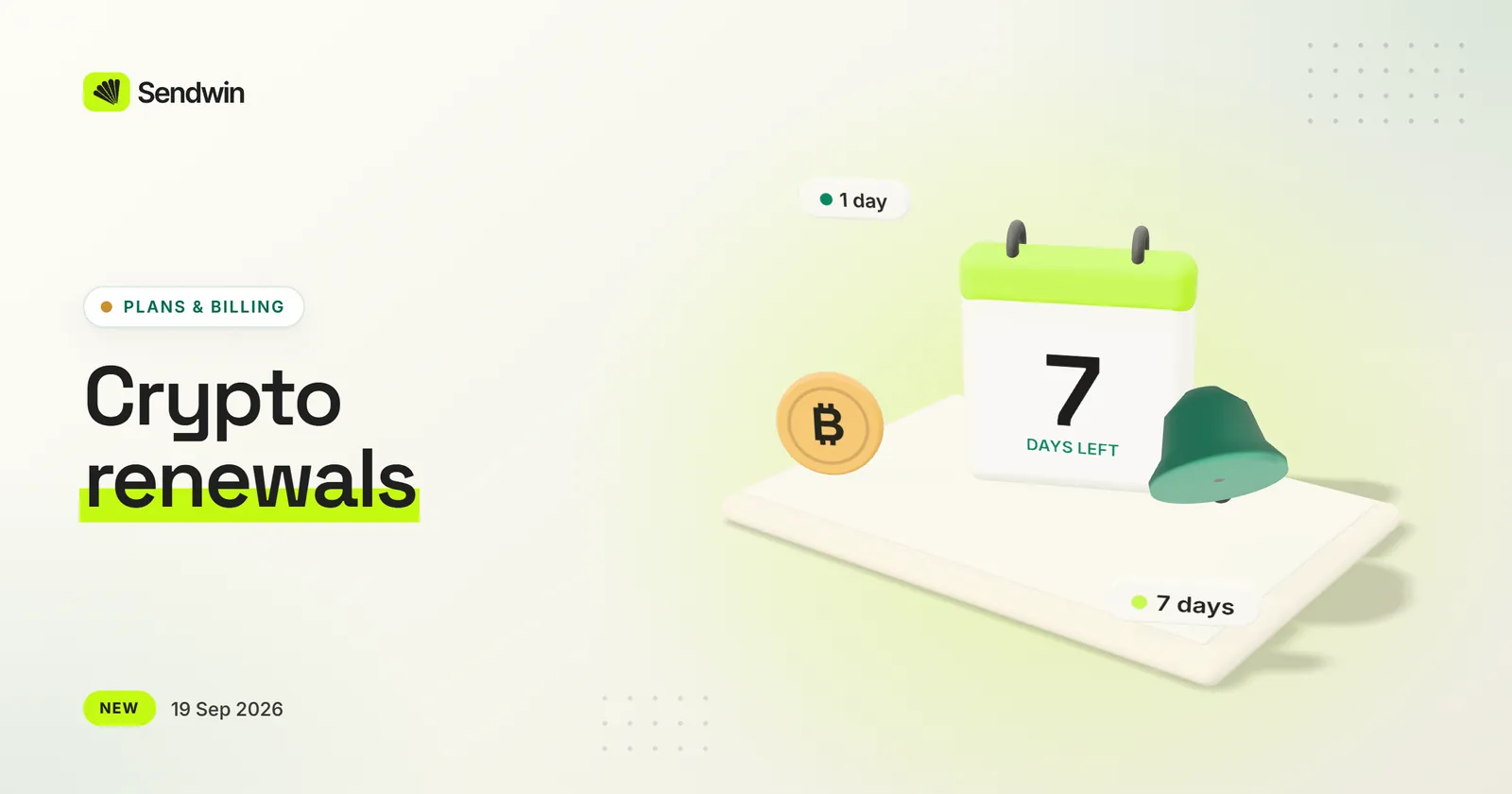
If you pay with crypto, we now email you 7 days and 1 day before your plan ends. In the last 31 days of a period you can renew from the dashboard, and the new period starts when the current one ends.
Reminder emails 7 days and 1 day before your plan ends
“Renew with crypto” appears once the renewal window opens
Renewing early adds the new period after your current one
The confirmation shows where to find your new end date
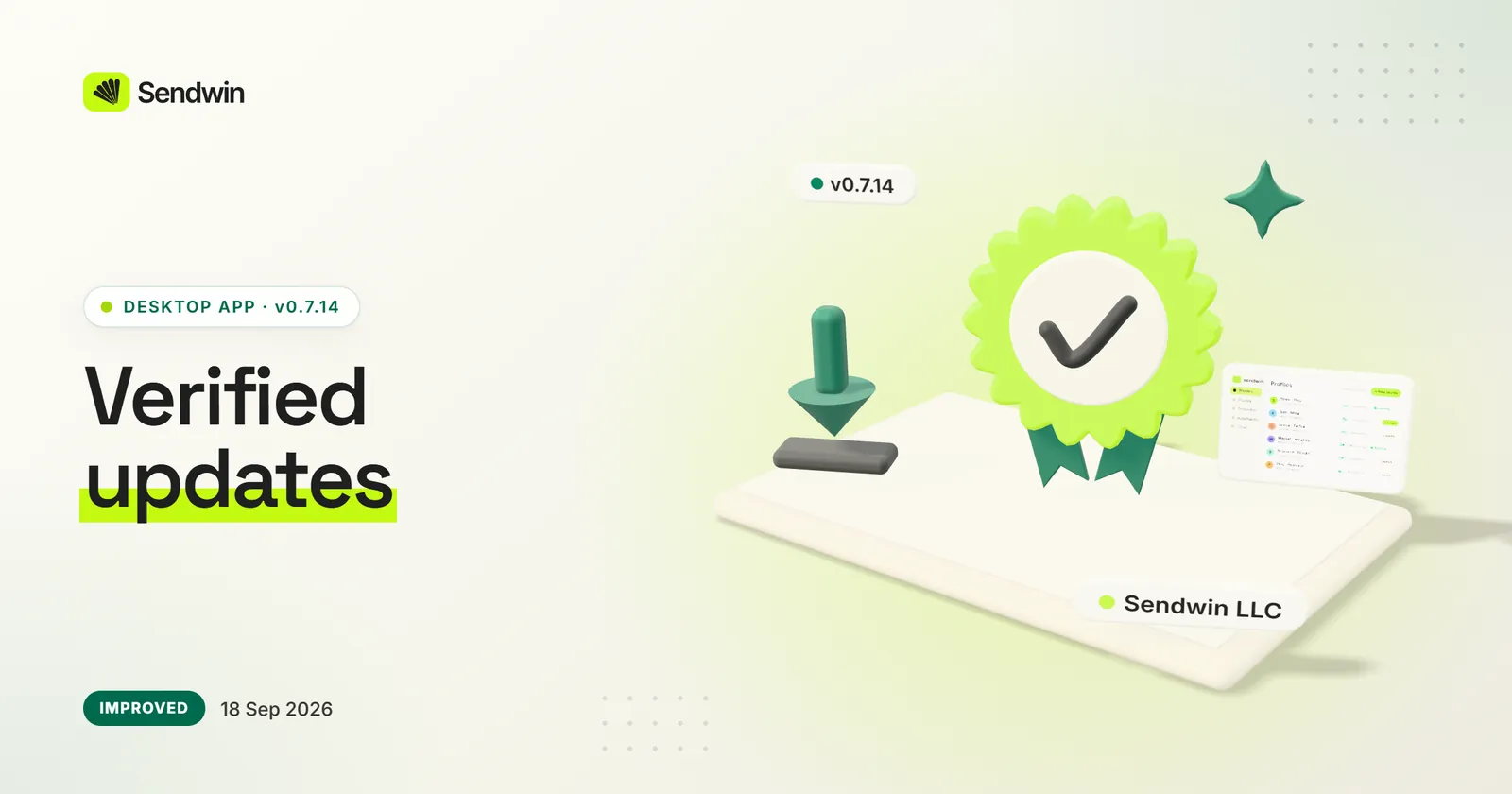
On Windows, the app now checks that an update is signed by Sendwin LLC before installing it. Buttons and inputs get back the borders and status colours that went missing in 0.7.5, and plain system pop-ups are replaced by themed confirmation dialogs.
Windows updates install only if they carry Sendwin LLC’s signature (from 0.7.13)
Borders and status colours restored on buttons, inputs and messages
Themed confirmation dialogs, with typed confirmation before a remote wipe
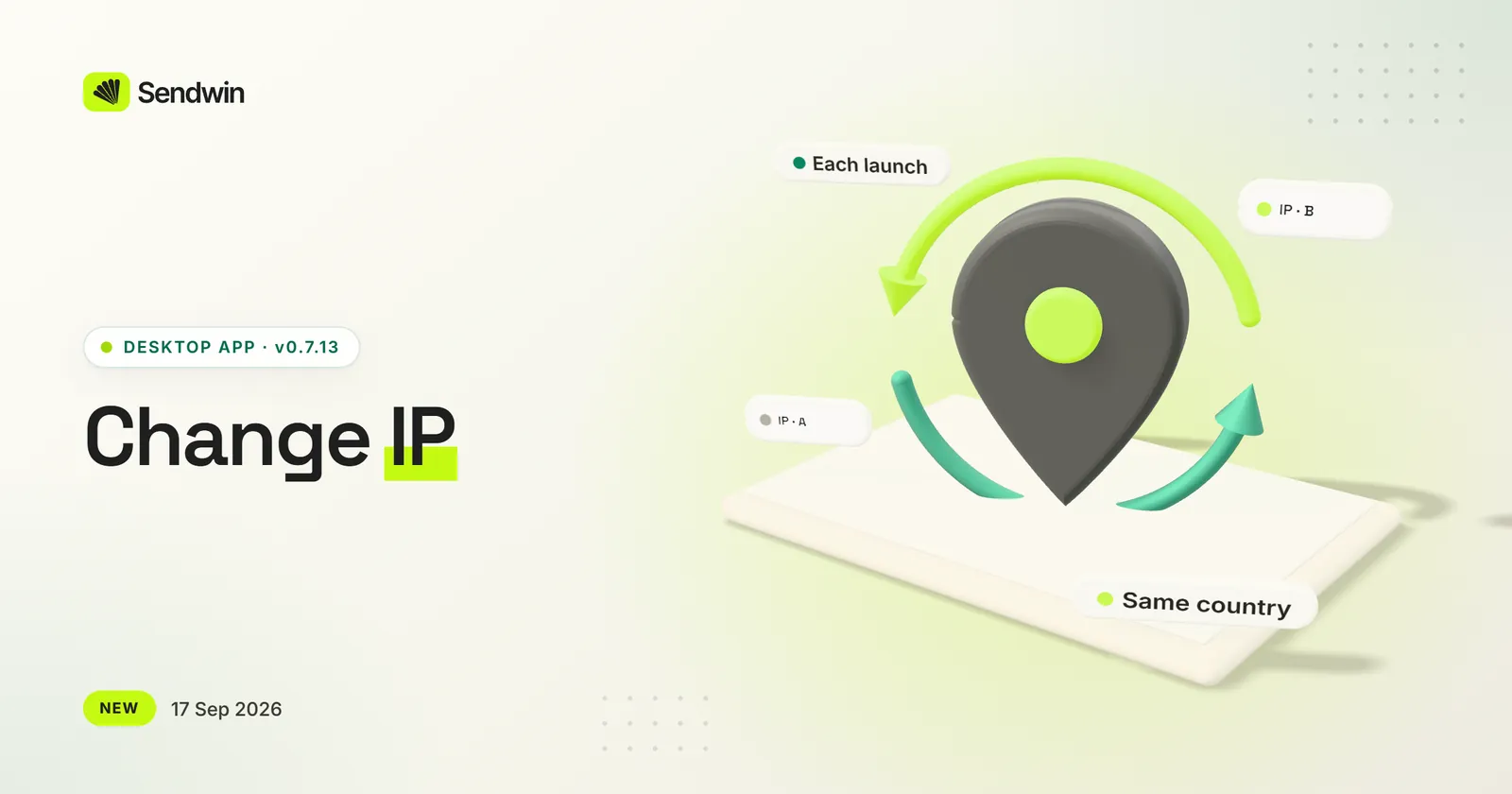
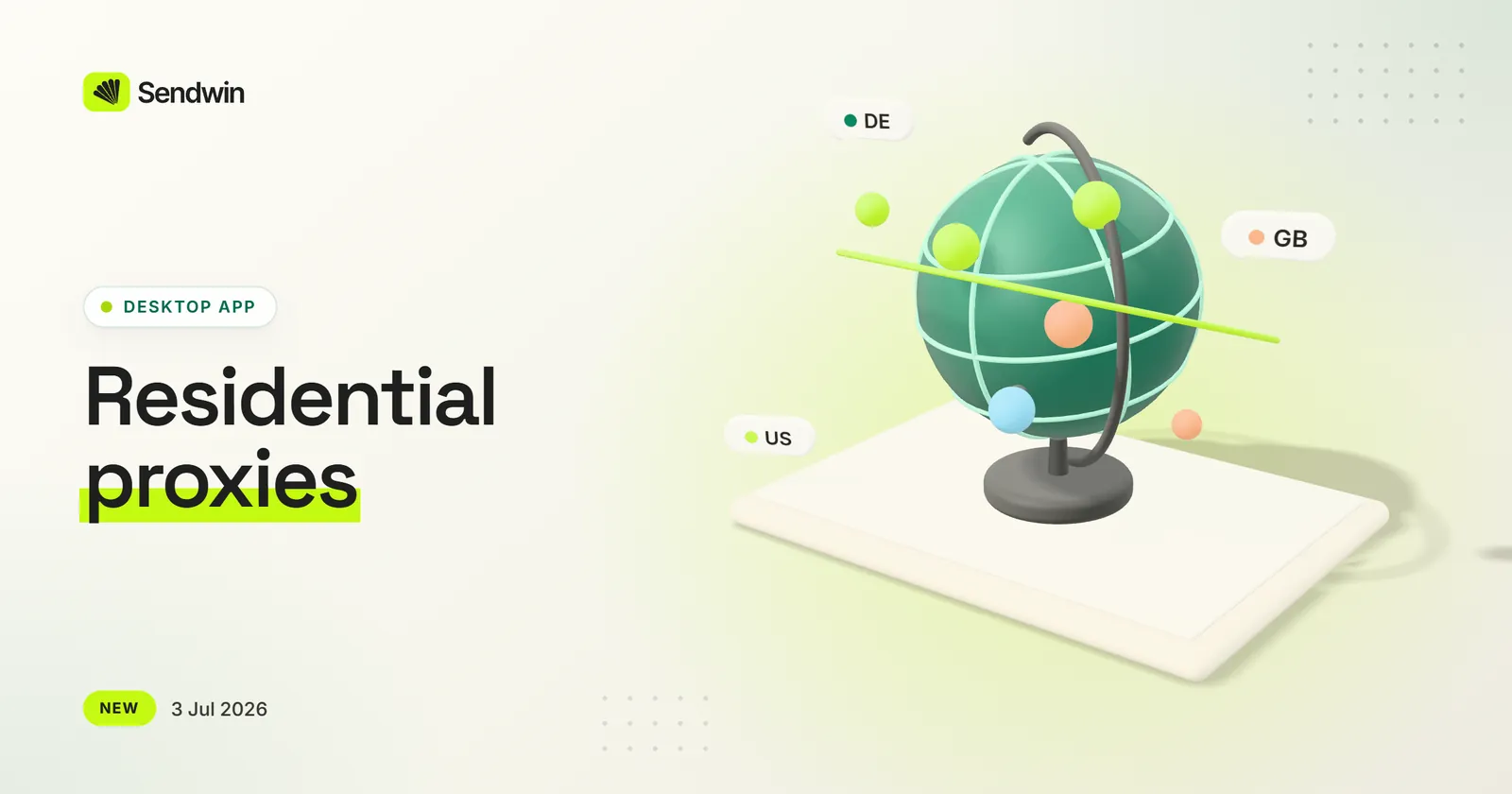
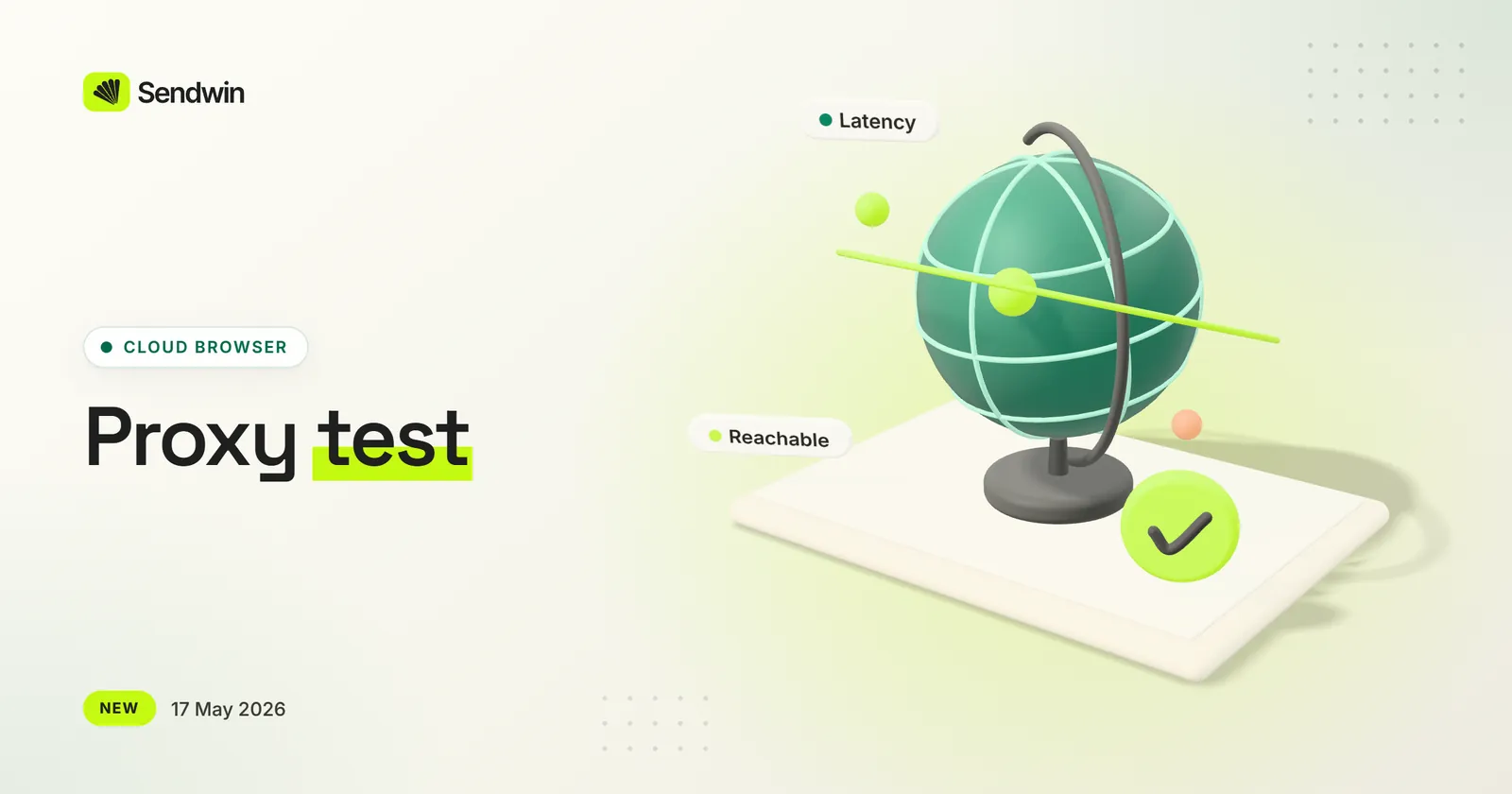
Get a fresh IP without touching your proxy settings. Profiles on a Sendwin residential proxy get a Change IP action, and your own proxies can rotate through your provider’s change-IP link.
Change IP moves a profile to another residential IP in the same country
Add your provider’s change-IP link to any proxy you bring
“New IP on each launch”, with a minimum gap between changes
If the new IP lands in another country, Sendwin flags it instead of switching silently
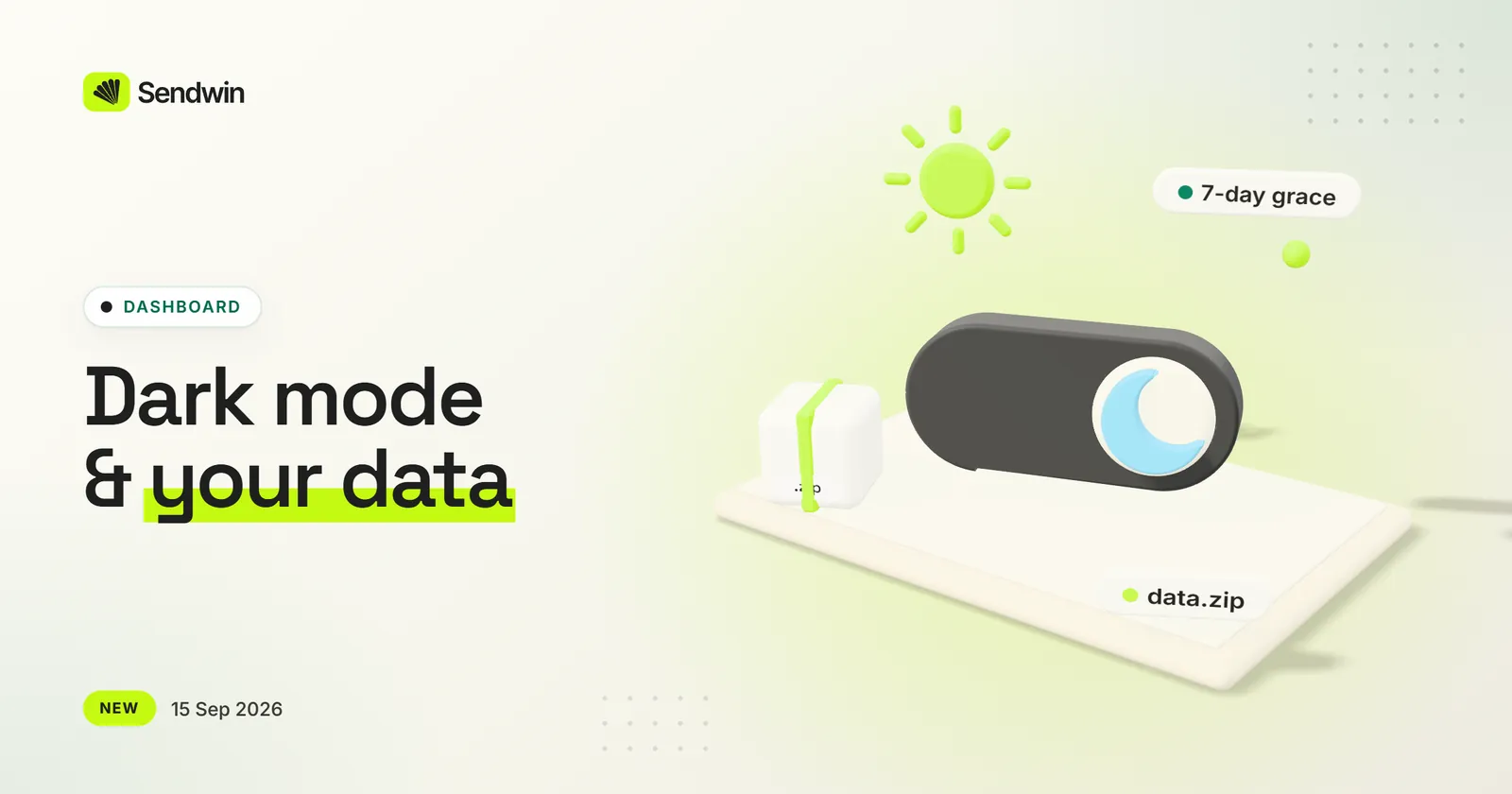
The dashboard can follow your system theme or stay light or dark. You can also download a copy of your account data, or delete your account with a 7-day grace period.
Light, dark or match-system theme, applied before the page paints
Download your account data as a .zip from your profile page
Delete your account, with 7 days to change your mind
Billing has its own page in the sidebar
Share and team-invite links open straight to Accept or Decline
A round of reliability work on the cloud browser: sessions survive pages that open alert boxes, retry when attaching fails, and show when they will expire.
A page that opens an alert no longer freezes the whole session
Sessions retry on their own if the browser doesn’t attach the first time
A timer shows when your session will expire
Idle sessions are cleaned up without touching active ones
Getting started is quicker. The trial checkout opens inside the app already signed in, a new profile can be created and launched in one click, and new profiles start on a residential proxy instead of your real IP.
Trial checkout and upgrades open in a Sendwin window — no second sign-in
Your plan unlocks as soon as checkout completes, without a restart
Save & launch: create and open a profile in one click
New profiles start on a Sendwin residential proxy in the country you pick
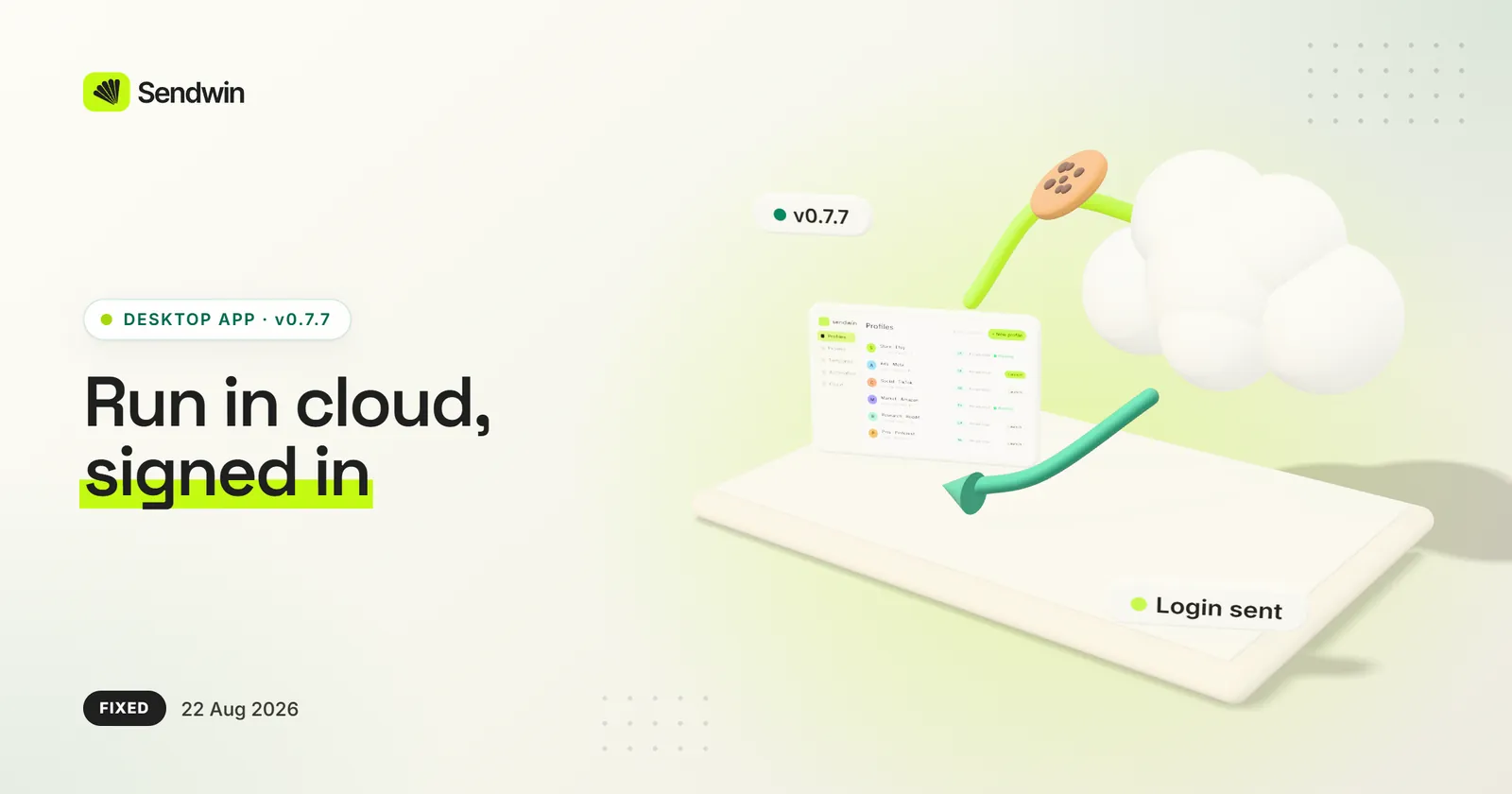
Sending an open profile to the cloud now carries the login for the site you’re on, so the cloud session opens signed in — and the app tells you which site’s login it sent.
Works while the profile is open, without setting a startup page (0.7.6)
Run in cloud and Sync name the site and how many cookies were sent (0.7.7)
Exporting cookies from an open profile no longer saves an empty file
Withdrawing a shared login now clears it from your teammate’s machine
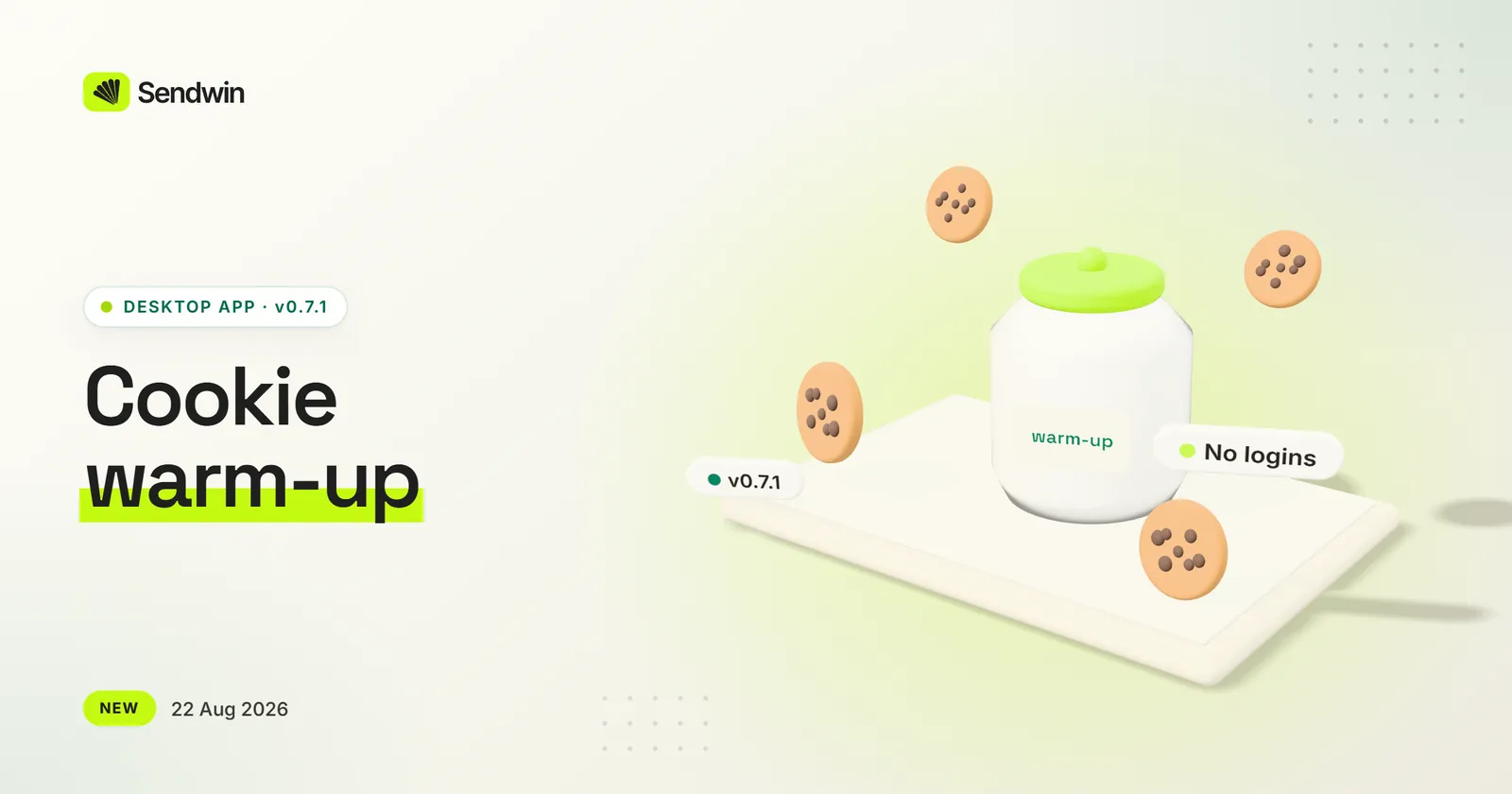
Cookie warm-up runs in its own tab and leaves yours alone
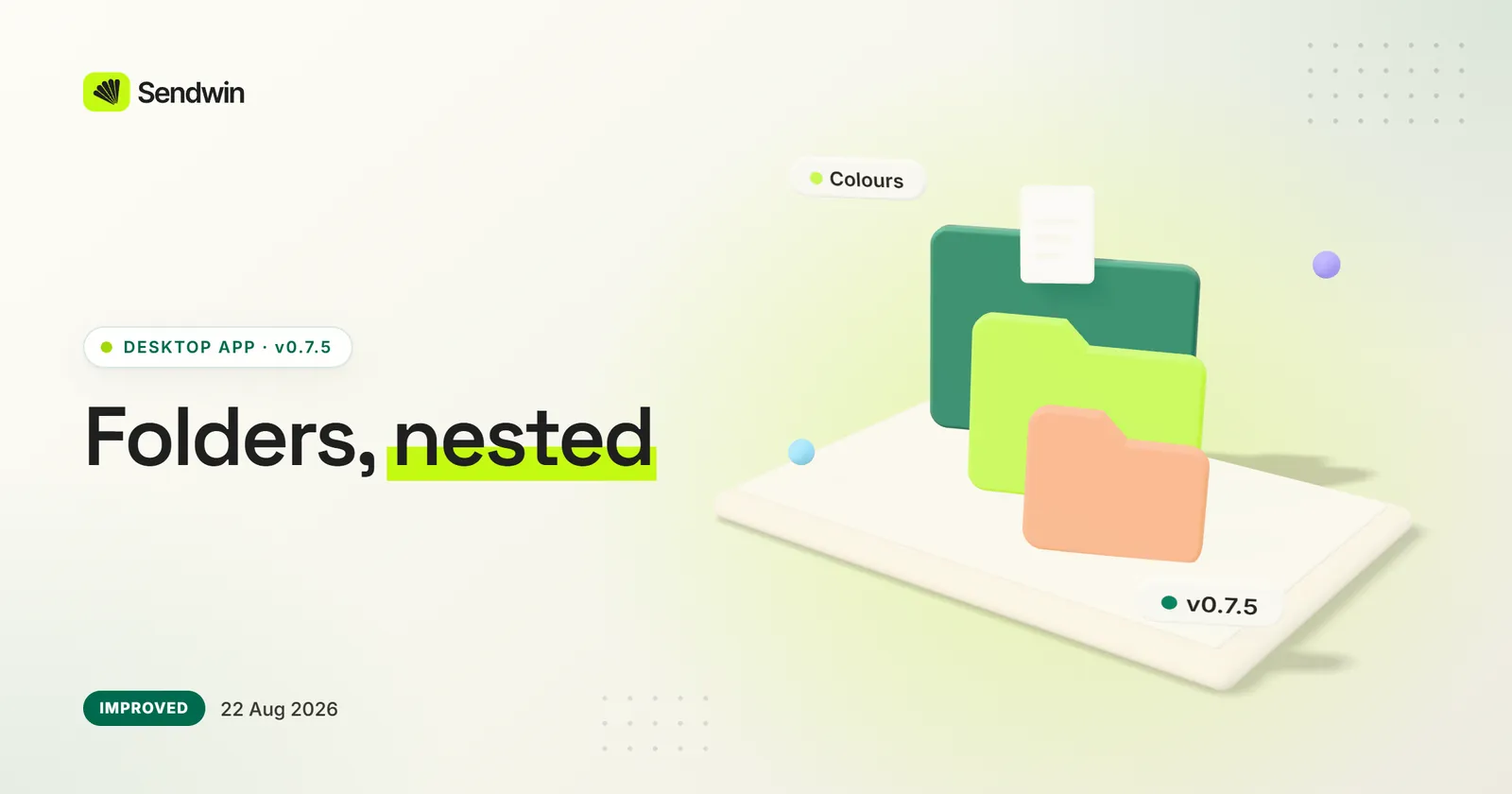
Folders can now have colours and live inside other folders. The sidebar is grouped, Settings is down to what you actually set, and panels say when something failed instead of showing an empty list.
Coloured, nested folders — group a client above their accounts (0.7.2)
A sidebar in four labelled groups: Workspace, Run, Cloud and your account (0.7.3)
Settings shows your language, where profiles are stored and whether protection is on (0.7.3)
Panels that fail to load say so and offer a retry (0.7.4)
One consistent palette and type scale across the app (0.7.5)
A brand-new profile looks suspicious because it is too clean. Warm-up walks profiles you have launched through ordinary public browsing, so they carry the cookies a real browser would — no logins, no forms, nothing posted.
Runs only on profiles you started yourself
Sites are visited in shuffled order with realistic pauses
Edit the site list or stop a run at any time
Also new: see which browser engine your profiles launch, restore a profile from the cloud, and run JavaScript across profiles
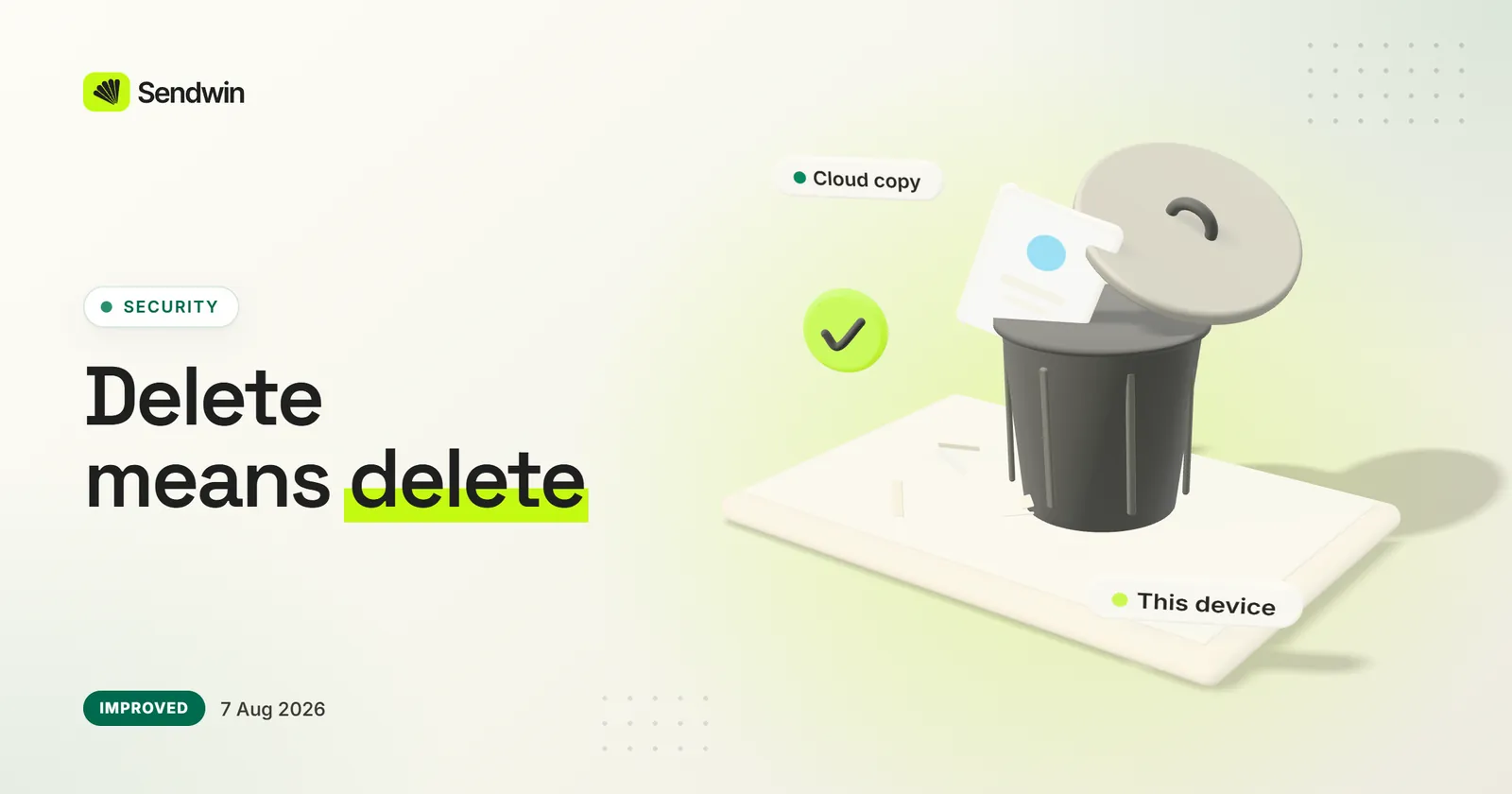
Deleting a profile removes its browsing data from your computer and its cloud-synced copy. Deleting a cloud session removes its saved logins straight away and its browser data from our servers within minutes.
Desktop: the profile’s local data is erased, not just hidden
Cloud-synced copies are deleted with the profile
Cloud sessions: saved logins and shares go at once, browser data within about 15 minutes
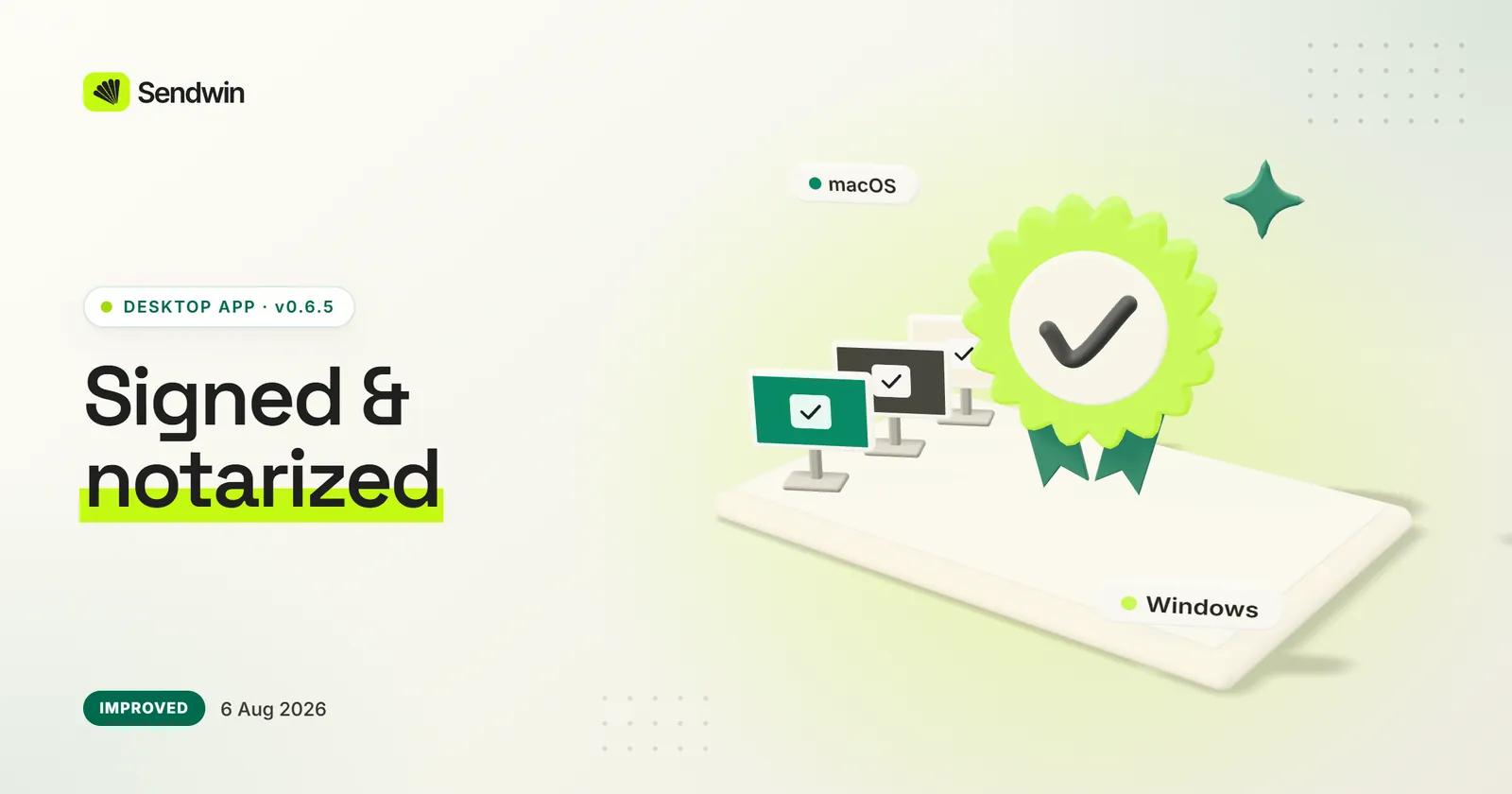
Sendwin Browser for Windows is code-signed by Sendwin LLC, and the macOS app is notarized by Apple. Downloads also have their own home at downloads.send.win.
Windows builds signed by Sendwin LLC from 0.6.4 (Aug 3)
macOS builds notarized and stapled by Apple (Aug 6)
Every installer in one place at downloads.send.win
Checkout now lets you choose card or cryptocurrency. Card payments are handled by Freemius as merchant of record, and every paid plan has a 7-day money-back guarantee.
Crypto payments, with a payment-method chooser (Jul 23)
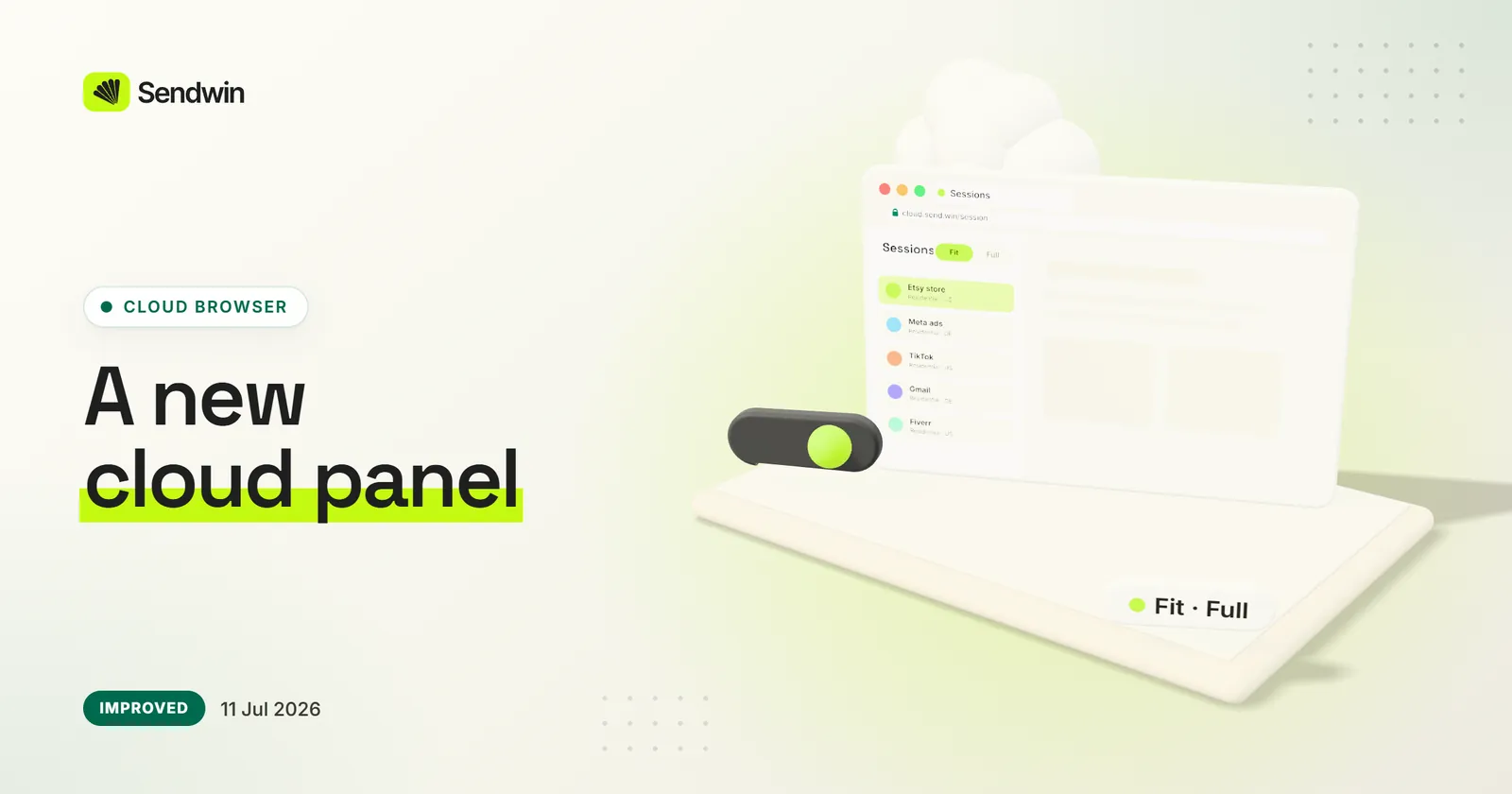
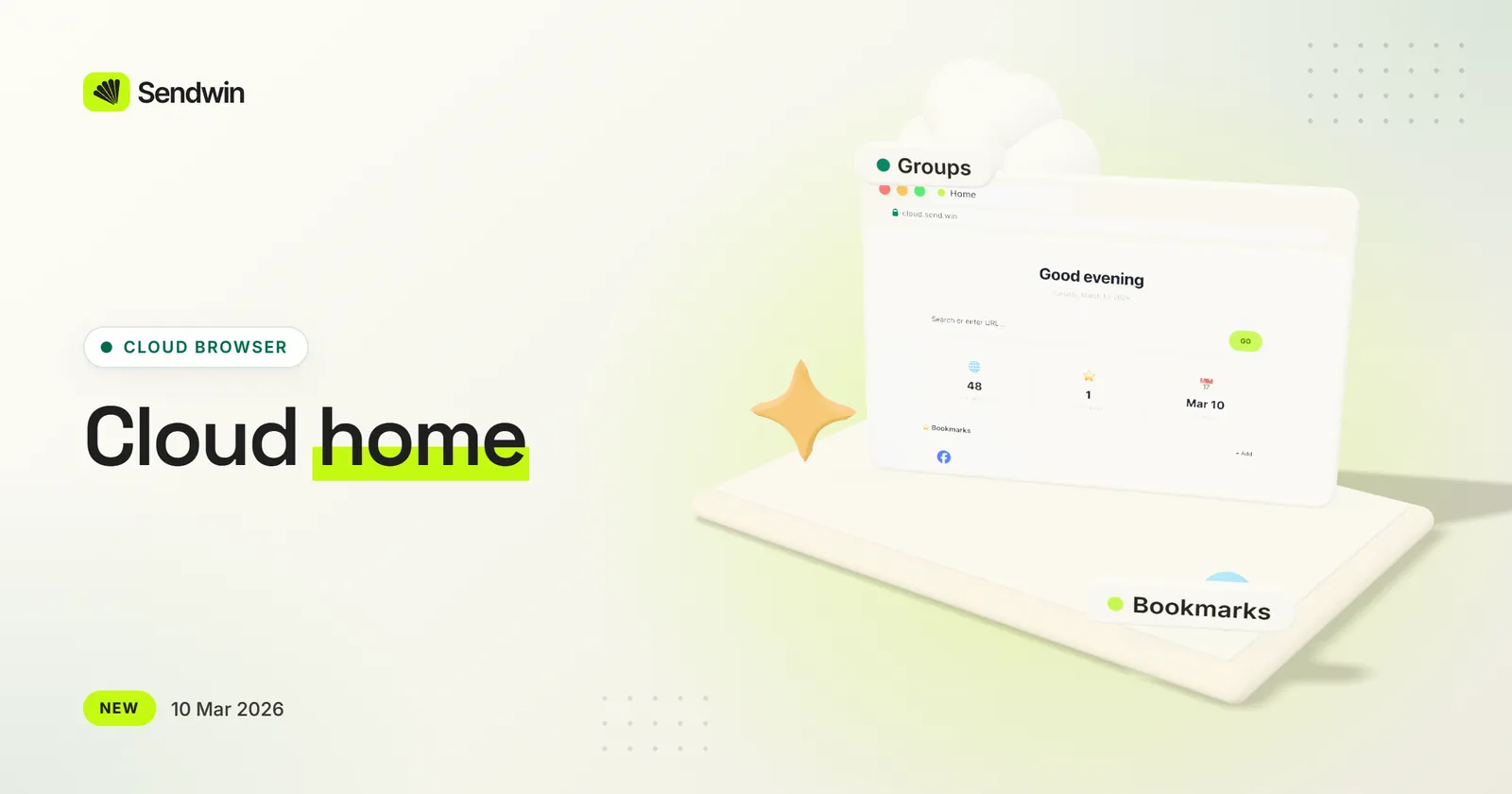
The in-session panel and the cloud home page were redesigned. Switch the screen between Fit and Full, use built-in proxies in cloud sessions, and search your bookmarks.
A new session manager panel
Resolution toggle: Fit or Full — and it reopens the same site
Built-in residential proxies for cloud sessions
Bookmark search and nine recent sessions on the home page
See every device signed in to your account and sign one out or wipe it remotely. A password reset now signs you out everywhere, and you can sign in with Google One Tap.
A Devices screen with remote sign-out and wipe
A password reset signs out every device
Signing in on a new device signs out the previous one — the web and the desktop app count separately
Keep a profile’s 2FA secret in Sendwin and get its codes in the app
Sign in with Google One Tap or a Google pop-up (Jul 5)
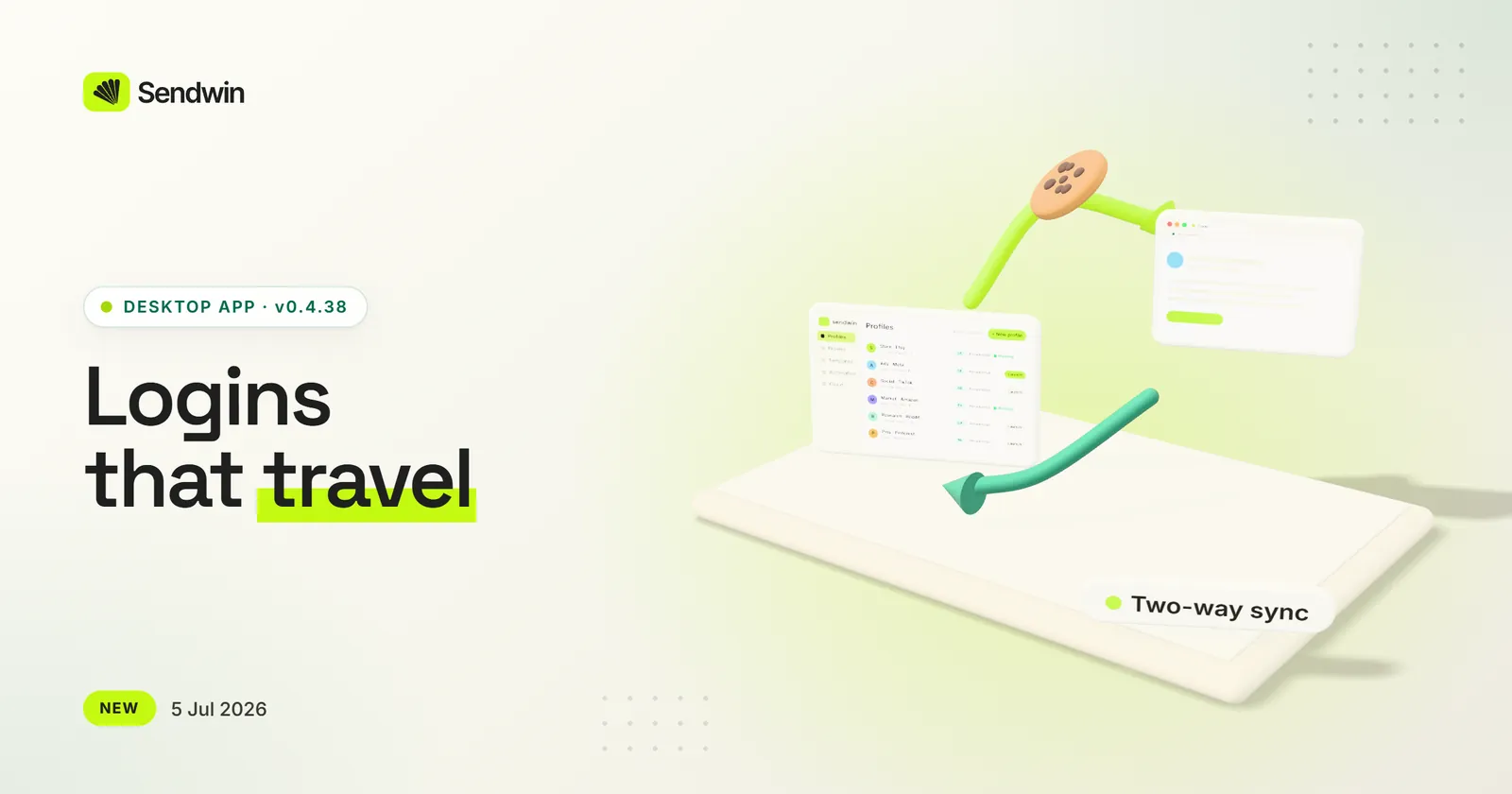
Open a desktop profile in the cloud and it arrives signed in. Logins sync between your computers, and on paid plans you can share a profile — login included — for a set time.
Run in cloud carries your login to the cloud session (0.4.29)
Two-way login sync: launch on another computer and you’re still signed in
Share a profile for a limited time; revoking it ends access
A shared profile keeps its proxy for the person you share it with
A status chip shows the sync before the window opens
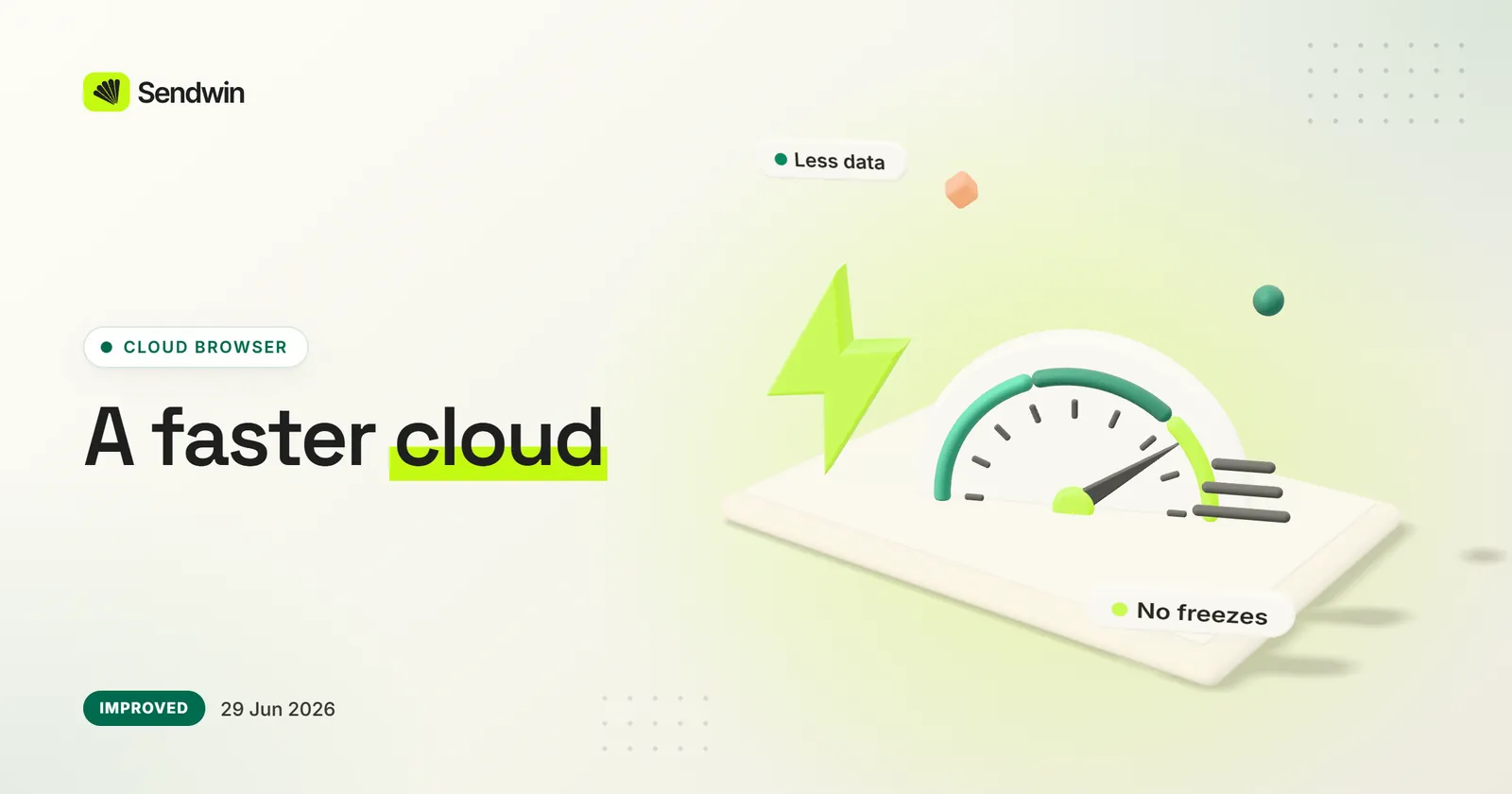
The cloud browser loads faster, with a branded loading screen and cached files on repeat visits. We fixed a bug that could freeze the live picture of a session, and streaming uses less bandwidth.
Quicker first load, and quicker still on repeat visits
Fixed the frozen-screen bug in live sessions
Lighter streaming: paced frame rate and tuned image quality
Back, forward and reload act on the right tab
Home asks before it closes your session
A Reload button appears if the connection drops
Windows fingerprints in cloud sessions are now internally consistent
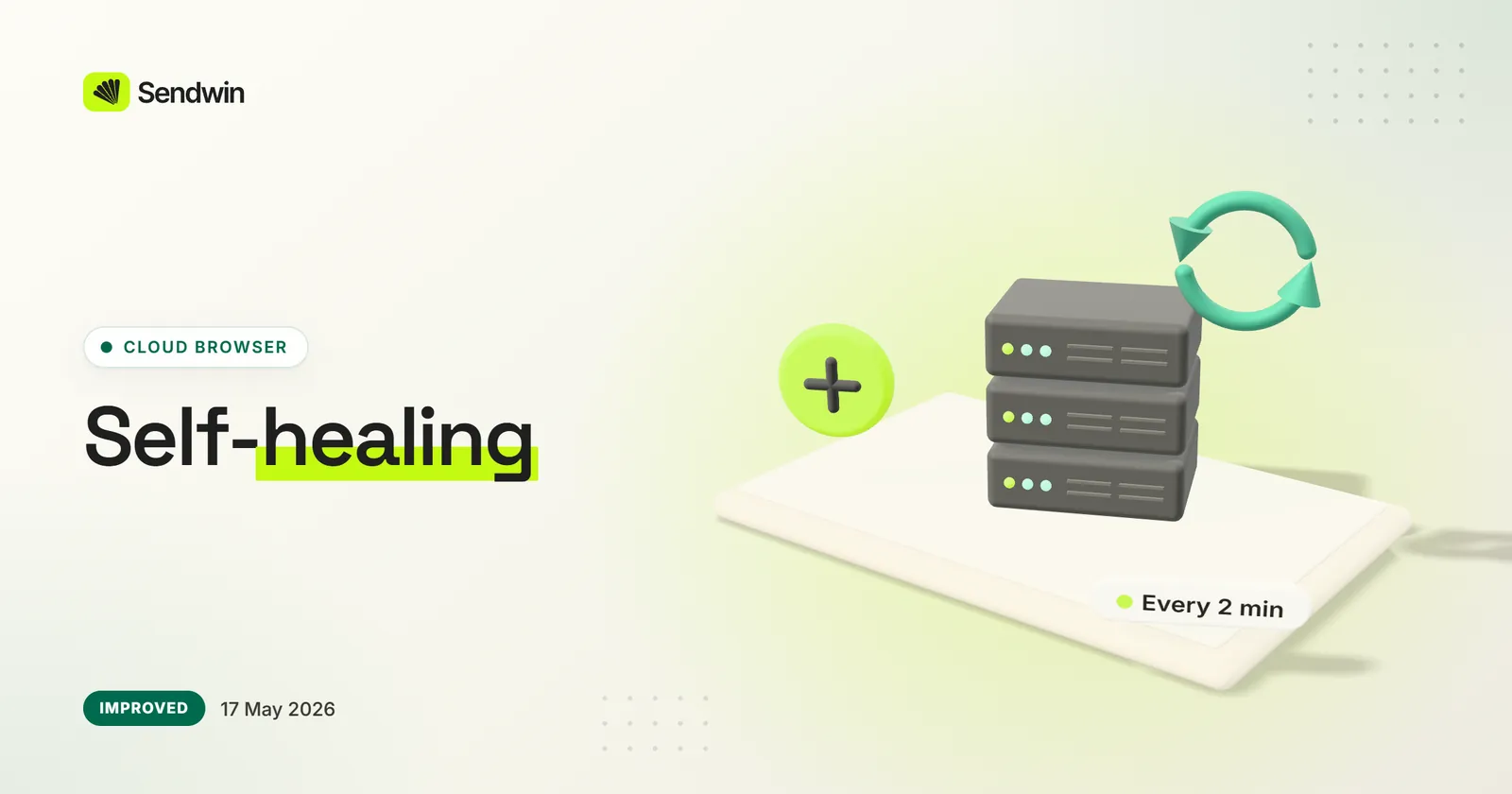
A watchdog checks every cloud browser server every two minutes and restarts its display and browser services if they stop, so a stuck server recovers on its own.
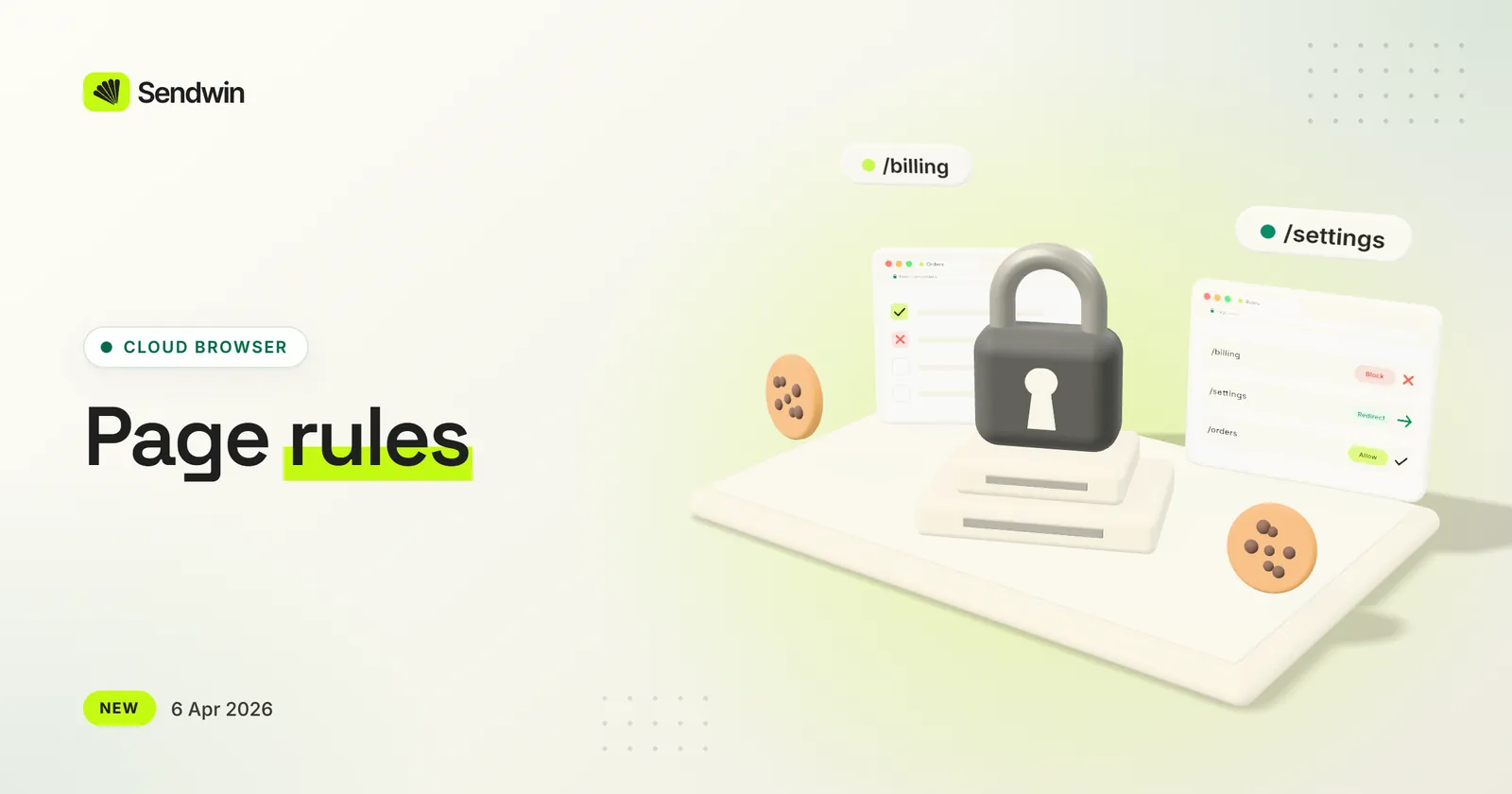
Share the work without sharing the keys. Block or redirect sensitive pages — billing, settings, payouts — so a teammate or freelancer only reaches the parts of an account they need.
Example: share your Fiverr inbox, block /settings, /billing and /revenues, and send anyone who tries back to Orders
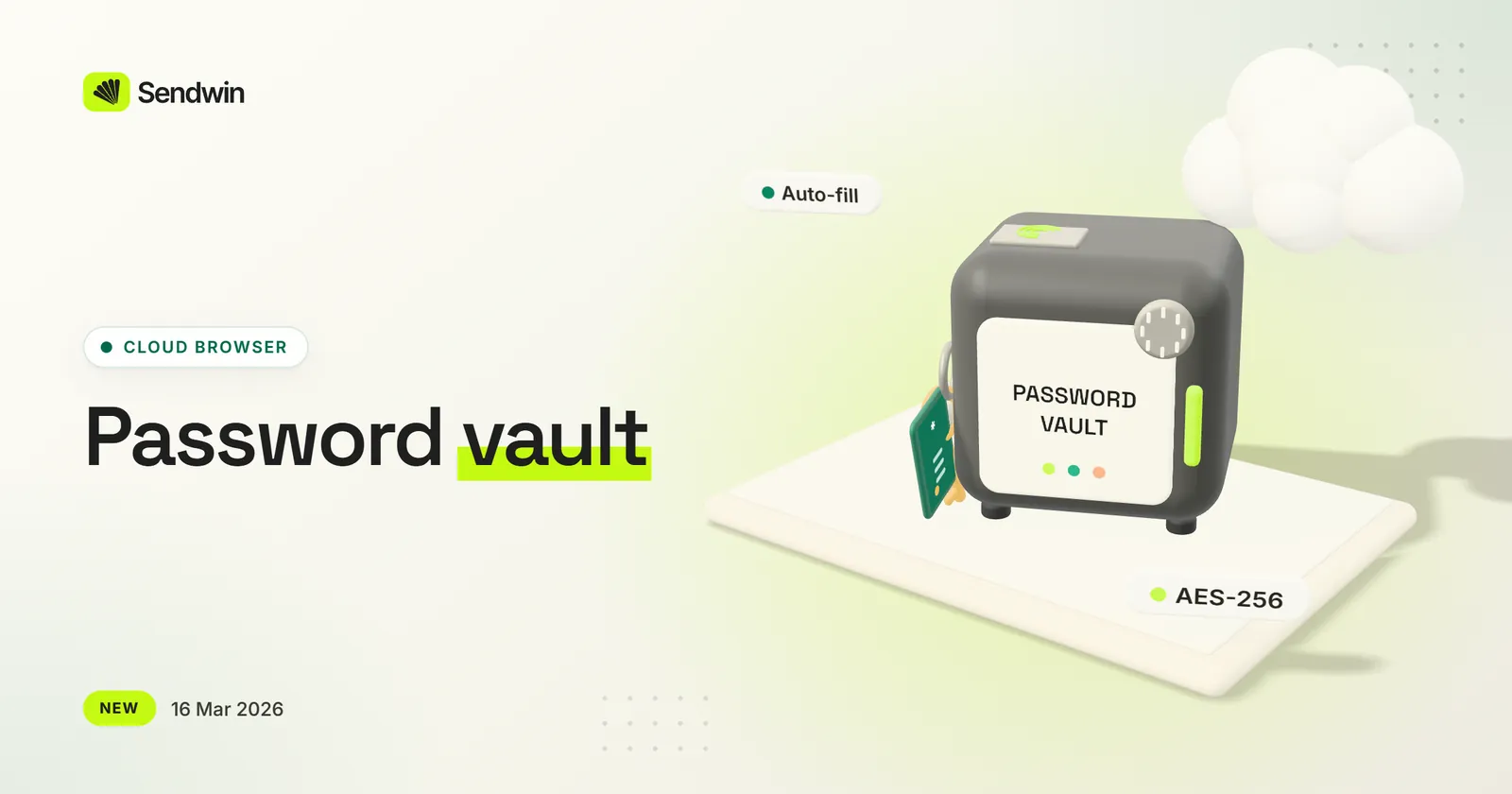
Save a login once and Sendwin fills it in the next time you open that site in a cloud session. Passwords are encrypted with AES-256 and are there wherever you sign in.
Save, update and auto-fill site logins in cloud sessions
Encrypted with AES-256 on our servers
Changes to saved passwords appear in your activity log (May 2026)
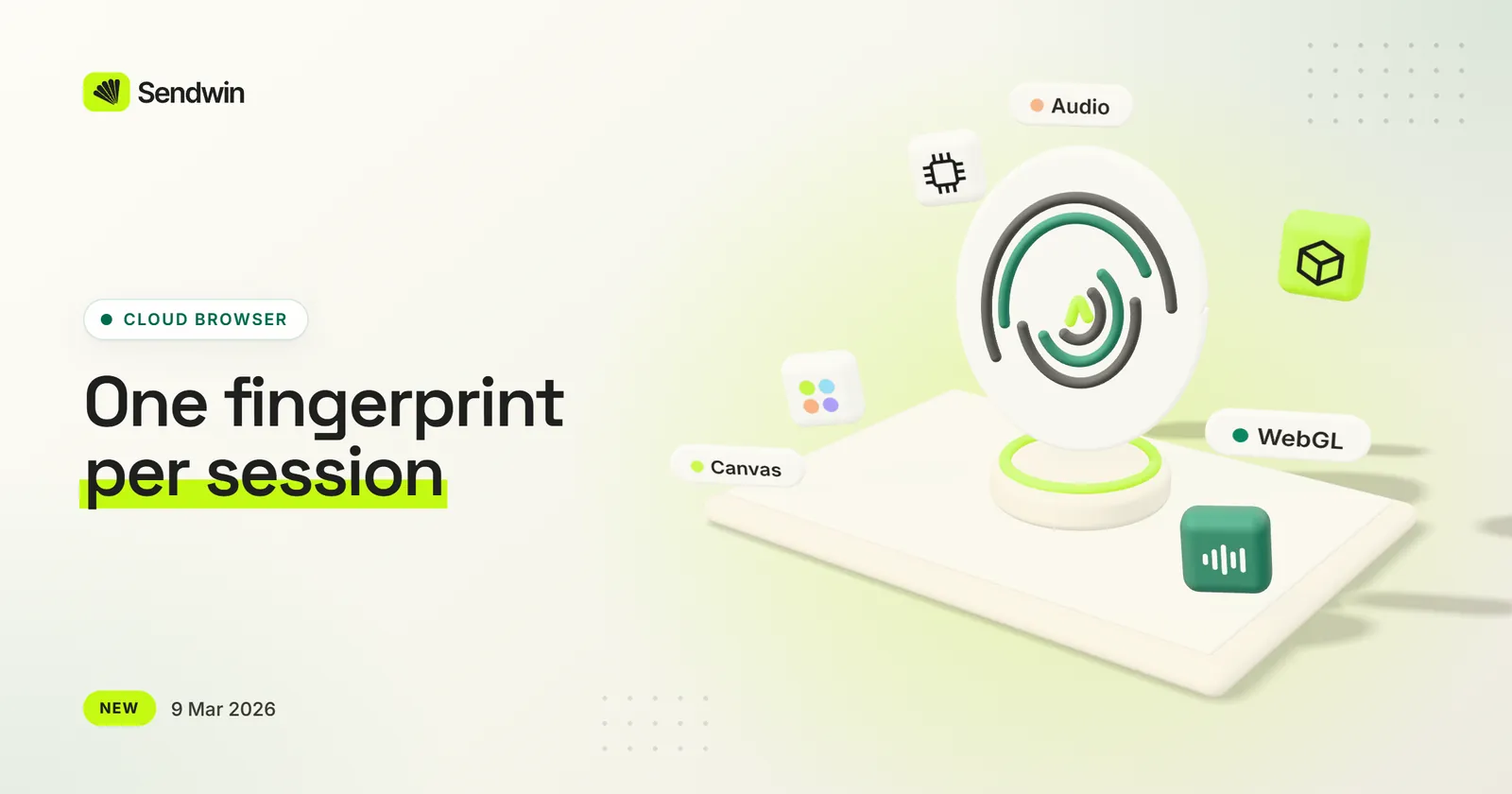
Each cloud session now gets its own browser fingerprint — canvas, WebGL, audio and hardware details — so your sessions no longer present one shared device. It’s on automatically.
Applied to every session, with nothing to configure
Faster session loading and screen updates from a reworked streaming pipeline
Starter is renamed Trial and Business becomes Enterprise. Pro and Team now include extra team seats, yearly billing comes at a discount, and prices are shown in US dollars.
Starter is now Trial, for quick testing
Pro and Team include extra team seats
A discount for yearly billing
Business is now Enterprise, for maximum scale and control
Sendwin moves from a browser extension to a cloud browser. Every session runs in its own isolated browser on our servers, so long-running sessions no longer stop when Chrome puts an extension to sleep.
Multi-login, session timers, bulk sessions and proxy assignment — now in the cloud
Share live sessions with teammates through secure links
Session state is stored server-side, so you can pick up on another device
Cookies and passwords stay off your own machine
A new dashboard at portal.send.win for sessions, teams, proxies and files
The original extension stays available at extension.send.win